
The digital marketplace is expanding rapidly. For online store owners, the checkout page is the most critical part of the customer journey. However, if your checkout is not accessible, you are unintentionally locking out millions of potential customers. Making WooCommerce checkout accessible is no longer just a “nice-to-have” feature; it is a fundamental requirement for modern e-commerce success.
Many business owners struggle to strike a balance between design, functionality, and compliance. This is where website care services for WooCommerce become invaluable. These services ensure that your store remains up-to-date, secure, and, most importantly, accessible to everyone.
In this comprehensive guide, we will explore how professional website care and accessibility services transform the checkout experience.
We will delve into the technical fixes, the legal necessities, and the massive SEO benefits of an accessible checkout.
Understanding WooCommerce Checkout Accessibility for Online Stores
Accessibility in e-commerce means ensuring that people with disabilities can perceive, understand, navigate, and interact with your online store.
For a WooCommerce site, the checkout process is often the most complex area. It involves dynamic forms, real-time calculations, and third-party payment gateways.
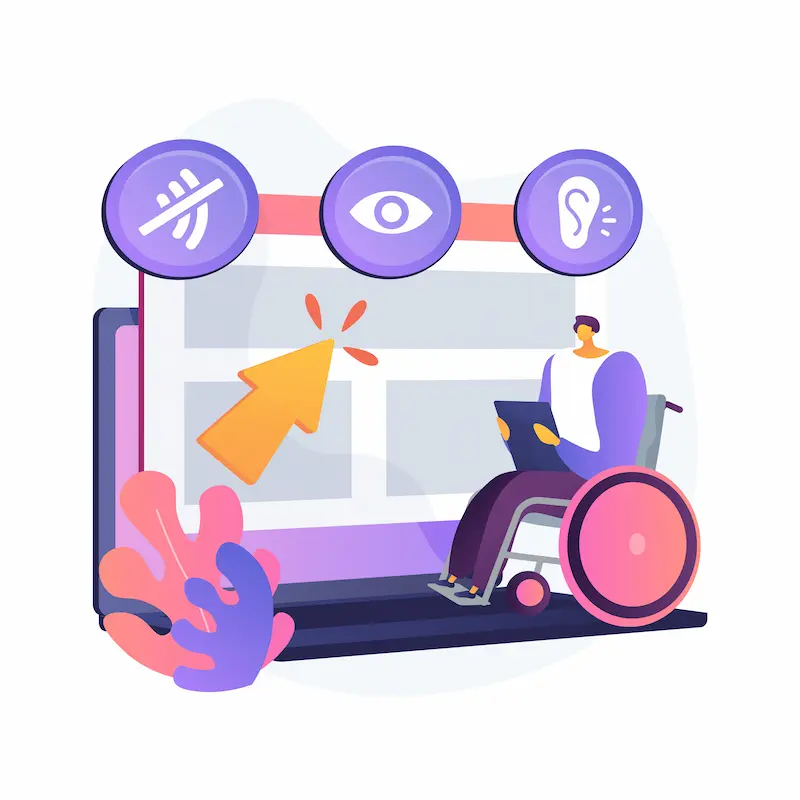
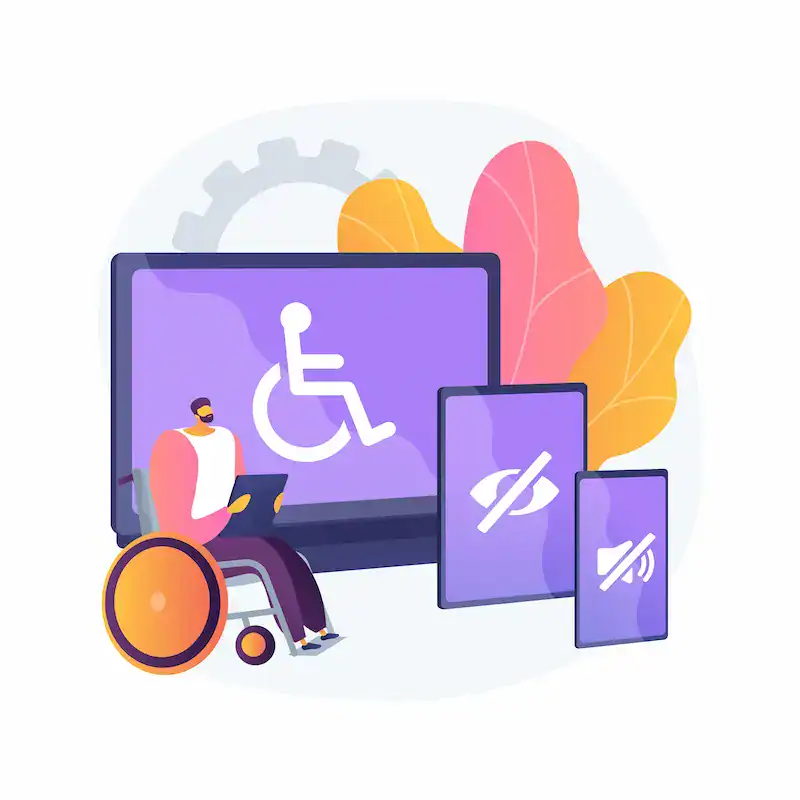
Checkout accessibility focuses on removing barriers for users with visual, auditory, motor, or cognitive impairments. This includes individuals who use screen readers, those who rely solely on keyboards for navigation, and people with color blindness.
When you invest in website care and accessibility, you are committing to inclusive design. An accessible checkout is streamlined, logical, and predictable. It follows semantic HTML to ensure accessibility, allowing assistive technologies to interpret the content correctly.
Make Your Checkout Accessible and Conversion Ready
Let our SeaCare experts handle accessibility, updates, and ongoing maintenance so your store stays compliant, fast, and easy to use for every customer.
Why Accessible WooCommerce Checkout Matters?
Why should you prioritize an accessible checkout? The reasons range from ethical responsibility to significant financial gain.
Legal and WCAG Accessibility Requirements
Governments worldwide are tightening regulations regarding digital inclusivity. The WCAG standards for ecommerce (Web Content Accessibility Guidelines) provide the framework for these laws.
In the United States, the Americans with Disabilities Act (ADA) has been interpreted to include websites. In Europe, the European Accessibility Act (EAA) sets strict requirements for e-commerce platforms.
Failing to meet WCAG compliance for ecommerce can lead to costly lawsuits and damage to your brand reputation.
Accessibility compliance services help you navigate these legal waters by ensuring your site meets Level AA standards, which is the industry benchmark.
Impact of Inaccessible Checkout on Conversions
An inaccessible checkout is a central friction point. If a user cannot navigate your form fields or understand an error message, they will leave. This directly leads to high shopping cart abandonment rates.
By focusing on ecommerce checkout accessibility, you boost checkout conversions. When the process is easy for a person with a disability, it becomes easier for everyone.
This is a core principle of inclusive design for online shopping: better access leads to a better WooCommerce checkout experience for 100% of your audience.
Common Accessibility Issues in WooCommerce Checkout Pages
Before you can fix the problem, you must understand common checkout accessibility issues. Many default WooCommerce themes have underlying hurdles that require professional website maintenance services to clear.

Form Field Labeling and Validation Problems
One of the most frequent issues is the lack of accessible form labels. If a screen reader cannot identify the required information for a field (e.g., “First Name” vs. “Credit Card Number”), the user will be unable to complete the purchase.
Furthermore, real-time validation often fails. If an error occurs, but the screen reader isn’t notified via ARIA roles for ecommerce, the user may be stuck on the page without knowing why their order won’t submit.
Keyboard Navigation and Focus Issues During Checkout
Many users do not use a mouse. They navigate using the “Tab” key. Keyboard navigation issues in WooCommerce occur when the “focus indicator” (the box indicating your current position on the page) is hidden.
Users may also become trapped in “keyboard traps,” where they can enter a payment modal but are unable to exit it. A responsive checkout flow must allow for seamless tabbing through every element, from the coupon code field to the “Place Order” button.
Visual Contrast and Readability Barriers in Checkout Design
Low color contrast makes it nearly impossible for users with low vision to read text or find buttons. If your “Buy Now” button has light grey text on a white background, you are creating a barrier. Color contrast optimization is essential for improving checkout usability.
Why Website Care Matter for WooCommerce Checkout Accessibility?
Maintaining an accessible site is not a “one-and-done” task. WordPress updates, plugin conflicts, and new content can all break accessibility features. This is why website care services for WooCommerce are essential.
Professional website care and accessibility providers offer:
- Continuous accessibility monitoring service.
- Regular software updates that include accessibility patches.
- Expert WooCommerce support services to fix bugs immediately.
- Protection against “accessibility regression,” where new updates break old fixes.
By utilizing expert WooCommerce support services, you ensure that your checkout remains compliant as your business expands.
How Website Care Fixes WooCommerce Checkout Accessibility Issues?
When you hire professionals for WooCommerce accessibility services, they follow a structured approach to how website care services improve checkout accessibility.
Improving Checkout Forms for Screen Readers
Care services implement screen reader-friendly checkout features by using semantic HTML for accessibility. They ensure every input field has a matching <label> tag.
They also use ARIA (Accessible Rich Internet Applications) labels to provide context for dynamic content, such as shipping cost updates that happen without a page reload.
Enhancing Keyboard Accessibility and Navigation Flow
Technicians perform manual accessibility testing on WooCommerce to ensure the “Tab” order is logical. They fix issues where the focus jumps around randomly.
They also ensure that all interactive elements, such as checkboxes for “Terms and Conditions,” are fully accessible and activatable via keyboard.
Optimizing Color Contrast and Visual Clarity
Website maintenance services include design audits. They verify that all text meets the minimum contrast ratio of 4.5:1.
Additionally, they ensure that color is not the sole means of conveying information. For example, an error shouldn’t just turn a box red; it should also include an icon or a text label saying “Error.”
Also Learn: Best WordPress Accessibility Plugins
Website Care Services and Performance Optimization for WooCommerce Checkout
Accessibility and performance are two sides of the same coin. A slow site is an inaccessible site for users with limited bandwidth or older devices.
WooCommerce checkout optimization involves:
- Site speed improvements: Reducing the size of scripts and styles used on the checkout page.
- Website performance monitoring: Ensuring that the checkout loads in under two seconds.
- Mobile-friendly checkout design: Ensuring the checkout is easy to use on small screens where touch targets must be large and clear.
A fast, responsive checkout flow enhances the overall impact of user experience optimization services, leading to increased customer satisfaction and accessibility.
SEO Benefits of an Accessible WooCommerce Checkout
Many people are unaware that SEO growth through improved user experience is a genuine phenomenon. Google’s algorithms favor websites that are easy to navigate and provide a good user experience (UX).

The SEO benefits of accessibility include:
- Lower Bounce Rates: Users stay on your site longer when it’s easy to use.
- Better Crawling: Semantic HTML enables search engines to understand your content more effectively.
- Increased Organic Traffic: As your UX scores improve, your rankings for “near me” or “buy [product]” queries often rise.
- Improved Mobile Rankings: Accessibility and mobile-friendliness overlap significantly in Google’s ranking factors.
By prioritizing internal linking for ecommerce SEO and an accessible structure, you achieve organic traffic growth through accessibility.
Tools Used for WooCommerce Accessibility
To maintain a high standard, website care services for WooCommerce utilize specialized accessibility tools.
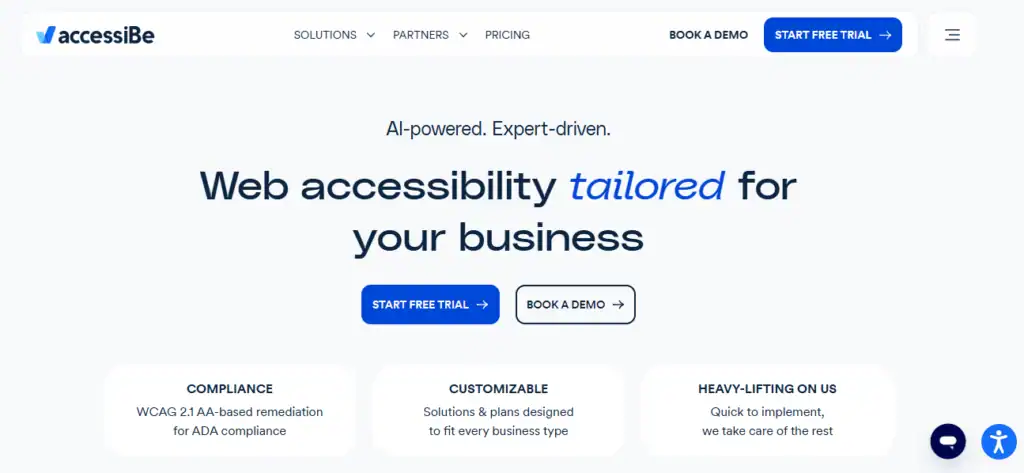
AccessiBe
AccessiBe is a popular AI-powered tool. It provides an overlay that allows users to customize the UI based on their specific disability (e.g., Seizure Safe Profile, Blind Users Profile). While not a total replacement for manual coding, it offers an immediate layer of compliance and usability.
Other automated accessibility testing tools, such as WAVE or Axe, are used for initial audits. However, manual accessibility testing remains the gold standard for ensuring a truly screen reader-friendly checkout, as WooCommerce does.
Measuring the Impact of Accessible WooCommerce Checkout
Website care services for WooCommerce typically monitor the following key performance indicators (KPIs) to validate the ROI:
- Success Rate by Input Device: Tracking whether keyboard-only users can complete a transaction as successfully as mouse users.
- Form Completion Time: A decrease in the time it takes for a user to move from the “Cart” to the “Thank You” page indicates a more responsive checkout flow.
- Error Rate Reduction: Monitoring how often users trigger validation errors. Accessible forms provide more precise guidance, reducing the number of users who “get stuck” on a specific field.
- Accessibility Audit Scores: Using automated accessibility testing tools alongside manual audits to maintain a high compliance score against WCAG 2.1 AA standards.
By tracking these benchmarks, you can see the direct impact of inaccessible checkout on business and ensure your website maintenance services are delivering a tangible return on investment.
Read More: How to Make WordPress Accessible
Final Thoughts
In the modern e-commerce landscape, an accessible WooCommerce checkout is a cornerstone of a successful business.
It protects you legally, opens your doors to a broader audience, and significantly boosts your bottom line by reducing shopping cart abandonment rates.
However, accessibility is complex. It requires ongoing attention, technical expertise, and the right tools. Website care services for WooCommerce provide the peace of mind that your store is always inclusive, performant, and compliant.
Don’t let technical barriers stand between your products and your customers. Focus on how to optimize the checkout for users today, and you will see the benefits in your conversion rates and brand loyalty for years to come.
FAQs About Accessible WooCommerce Checkout
Why is accessibility important for checkout pages?
Accessibility ensures that all users can complete purchases without barriers. This includes users with visual, motor, or cognitive disabilities. An accessible checkout improves usability, increases conversions, and helps meet legal compliance requirements.
What accessibility standards should a WooCommerce checkout follow?
WooCommerce checkout pages should follow WCAG 2.1 guidelines. These standards cover keyboard navigation, screen reader support, color contrast, and clear form labels. Meeting these guidelines reduces the risk of accessibility related complaints.
Can accessibility plugins fully fix checkout issues?
Plugins can help identify and resolve common issues. However, they cannot fix everything. Manual testing and proper theme configuration are often required for full accessibility.
How can I test if my WooCommerce checkout is accessible?
You can use automated tools like accessibility scanners for quick checks. Manual testing with keyboards and screen readers is essential. User testing with assistive technology provides the most accurate results.
Does an accessible checkout improve conversion rates?
Yes, it does. Clear labels, error messages, and simple navigation help all users. Faster and easier checkouts reduce cart abandonment and increase completed purchases.



