
WordPress monitoring is the continuous observation of a site’s uptime, performance, security, and error logs to detect and resolve issues before they affect users. It includes uptime checks, response-time tracking, error alerts, security scanning, and Core Web Vitals measurement
Your website can go down without warning, and you may not even notice until traffic and revenue drop. WordPress monitoring helps you catch issues before they cost you users and rankings. From uptime tracking to performance alerts, it keeps your site visible, fast, and reliable.
In a world where seconds matter, real-time monitoring gives you the control to act fast, fix problems, and protect your online presence before small issues turn into major losses.
TL;DR: Stay Online and Protect Your Traffic
- Even short downtime can cost you visitors, rankings, and sales if left unnoticed
- Real-time alerts help you detect issues early and respond before users are affected
- Common causes include server errors, plugin conflicts, and hosting failures
- Proactive tracking and maintenance keep your site fast, stable, and always accessible
Why is Monitoring WordPress a Priority?
The widespread use of WordPress for all kinds of sites means attentive monitoring is non-negotiable.
Avoiding WordPress security mistakes, tracking performance, ensuring compliance, and analyzing data should be top priorities to get the most out of the platform while protecting one’s interests.
Investing in monitoring pays dividends across operational, financial, and reputational aspects.
Security Threats
As the most popular CMS, WordPress is also a prime target for hackers looking to infect sites with malware. Vulnerabilities in plugins, themes, or WordPress core can leave sites open to attack.
By monitoring WordPress, admins can quickly identify and patch security flaws before they are exploited by bad actors. Staying on top of updates and tracking failed login attempts are key.
Read More: BlogVault Review: The Best WordPress Backup & Security Plugin
Site Performance
A slow or crashing WordPress site can cost businesses revenue. Monitoring site performance metrics like page load times, bandwidth usage, and uptime ensures sites keep running smoothly for visitors. Tracking usage trends also helps predict future resource needs.
Compliance Requirements
For sites handling sensitive user data, monitoring WordPress can help ensure compliance with regulations such as ADA, HIPAA, and PCI DSS. Logging activity, backing up data, restricting access, and monitoring failed logins are essential for meeting compliance rules. Staying compliant builds user trust.
Monitoring WordPress Is Absolutely Non-negotiable
Skip the manual monitoring setup, Seahawk includes 24/7 uptime and performance monitoring in all maintenance plans. From $49/mo.
What Happens When Monitoring Catches an Issue? Seahawk’s Response Process
When a monitoring tool detects downtime, performance drops, or security threats, acting fast is critical. Delays can impact user experience, SEO, and revenue. At Seahawk Media, we follow a structured response process to resolve issues before they escalate.
We do not just send alerts. We take immediate action to restore stability and protect your site.
Here is how our response process works:
- Instant alert detection: Our system monitors uptime, performance, and security 24/7 and triggers real-time alerts the moment an issue occurs
- Rapid diagnosis: We quickly identify the root cause, whether it is a plugin conflict, server issue, or security threat
- Immediate fixes: Our experts resolve critical issues such as downtime, broken updates, or malware without delay
- Backup and recovery: If needed, we restore your site using clean backups to minimize disruption
- Ongoing optimization: After resolving the issue, we optimize performance to prevent recurrence
Seahawk maintenance plans include 24/7 uptime monitoring from $49 per month, making it a reliable choice compared to tools like Uptime Robot or Jetpack that focus mainly on alerts rather than full resolution.
With proactive monitoring and expert support, we ensure your WordPress site stays fast, secure, and always online.
How to Choose the Right Tools for Monitoring WordPress?
With WordPress being the world’s most popular CMS, effectively managing WordPress installs is critical. The right management tools provide visibility and control across security, performance, updates, and more.
However, the crowded marketplace makes picking solutions daunting. By evaluating needs, comparing features, reviewing reliability, and budget fit, WordPress owners can confidently select tailored management platforms or plugins.
Evaluate Your Needs
Before beginning your search, clearly outline your current WordPress pain points and the must-have capabilities you seek in management tools, based on specific use cases.
This ensures you choose solutions that address core requirements rather than overpaying for unnecessary bells and whistles.
Key Points:
- Assess what functionality you need: security, performance, backups, etc.
- Consider current pain points with your WordPress site
- Determine must-have features vs nice-to-have
- Decide if a fully integrated platform or separate tools work best
Compare Core Features
Look closely at how each tool monitors overall site health, runs diagnostics, delivers analytics, and alerts to uncover performance inefficiencies and security risks in WordPress ecosystems.
Key Points:
- Check how tools monitor site health and diagnostics
- Review the availability of usage analytics and traffic insights
- Look for proactive real-time alerts of issues
- Ensure comprehensive password and data security
Review Integrations
Examine which plugins, themes, hosts, and other platforms are natively supported or have readily available integrations via APIs and embeds. This expands capabilities while streamlining workflows.
Key Points:
- See what plugins, themes, and hosts are supported
- Check for integration with Google Analytics, social media, and marketing tools
- Find out if APIs are available for custom integrations
- Don’t overlook integrations with Slack, email platforms, and more
Confirm Reliability
Verify tool and vendor reputations for delivering consistent, uninterrupted service through past records and customer experiences managing WordPress at scale.
Key Points:
- Research uptime history and guarantees
- Check for satisfactory customer reviews, specifically on reliability
- Make sure the support team is knowledgeable and responsive
- Find if transparent status pages show system outages
Compare Budget Options
With free, premium, and enterprise pricing tiers available, factor in current costs for manual workflows, along with business growth projections, to determine budget requirements.
Key Points:
- Factor in the free plans’ limitations on features
- Review premium pricing models (monthly, annual, etc)
- Consider needs for customizable enterprise pricing
- Don’t forget to account for current workflows and resource costs
The key is identifying the must-have WordPress management capabilities based on precise needs, goals, and pain points before comparing solutions. Evaluating core features, integrations, reliability, and budget helps pick the ideal tools.
8 Best Tools and Plugins for WordPress Monitoring
Explore these reliable tools to track uptime, detect issues early, and keep your site running smoothly.
WP Umbrella
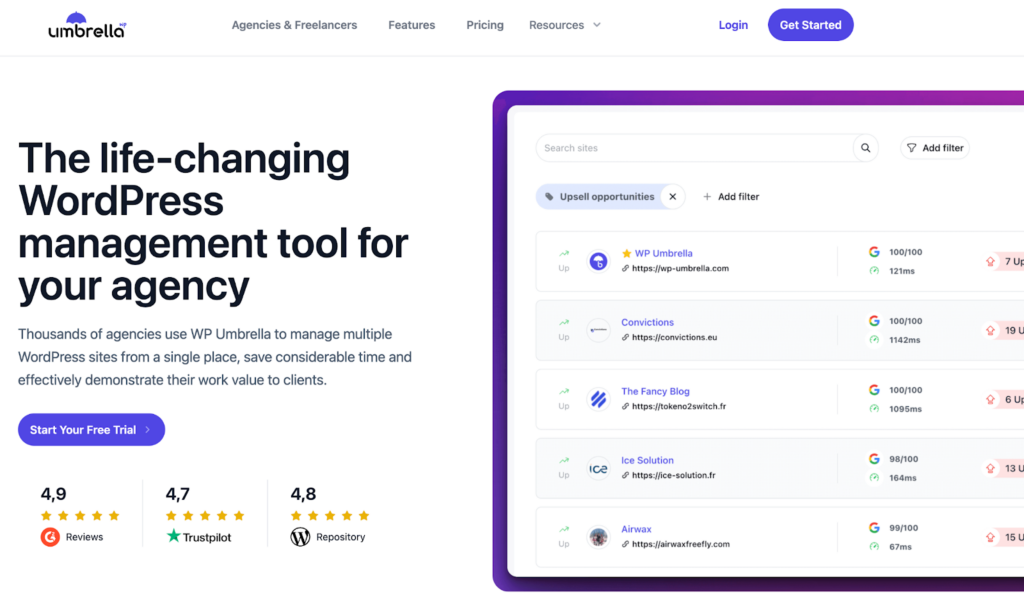
WP Umbrella brings all client sites into one dashboard to simplify management through bulk updates, automates comprehensive monitoring and GDPR-compliant cloud backups to promptly detect and fix issues, and provides customizable maintenance reports that demonstrate the value of services to clients in a white-label solution.
Manage WP Worker
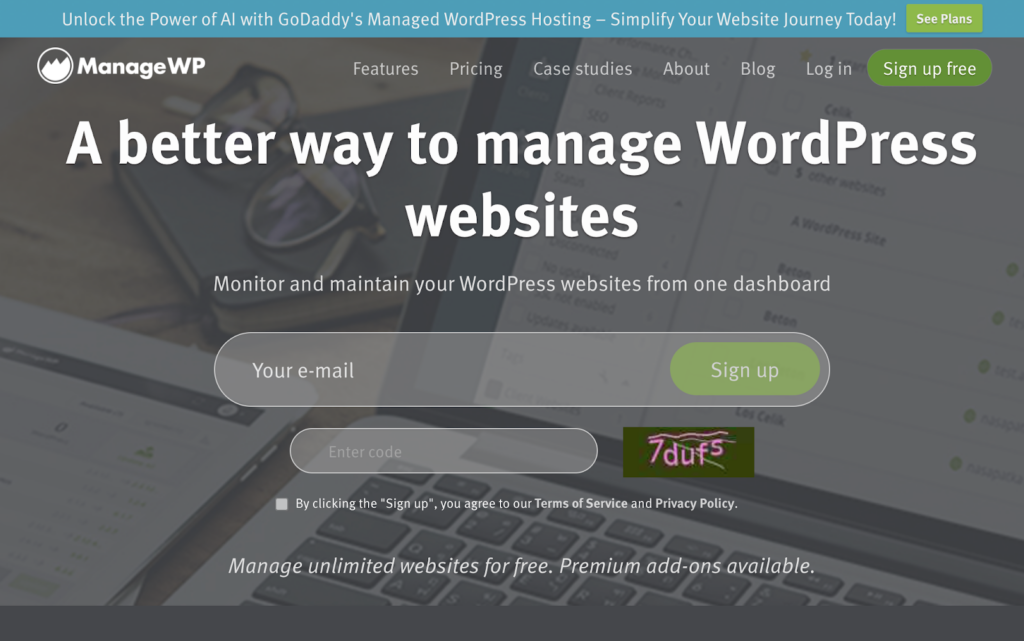
Manage WP Worker conveniently centralizes the management of multiple WordPress sites on a single intuitive dashboard, saving time through automated workflows such as bulk updates, backups, security checks, and performance monitoring, with instant notifications to prevent and troubleshoot issues.
My Website Is Online
My Website Is Online enables comprehensive website oversight through unlimited HTTP and text monitors with proactive SMS alerts on outages and expiring SSL certificates, while also providing public status pages and tracking changes to DNS records and Google unsafe listings.
JetPack
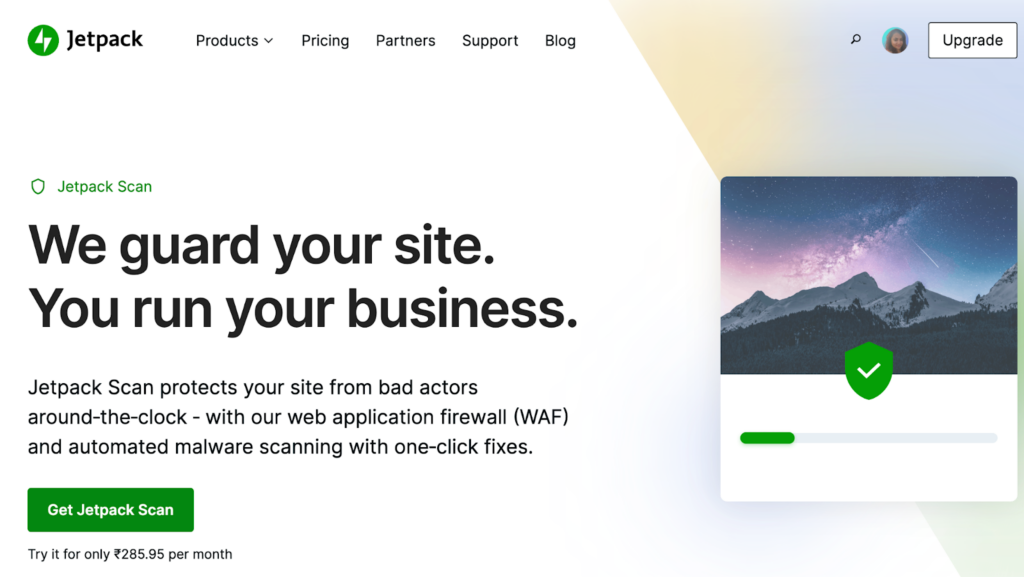
Jetpack Security offers complete WordPress protection through VaultPress’ real-time backups and restoration, Jetpack Scan’s automated malware detection and fixes, and Akismet’s powerful anti-spam filters for comments and forms, providing easy safeguards so site owners can concentrate on business operations.
Super Monitoring
Super Monitoring delivers comprehensive oversight of WordPress health, uptime, and performance with proactive alerts, allowing admins to quickly detect and troubleshoot issues before visitors are impacted, plus in-depth analytics provide insights to optimize sites.
Uptime Robot
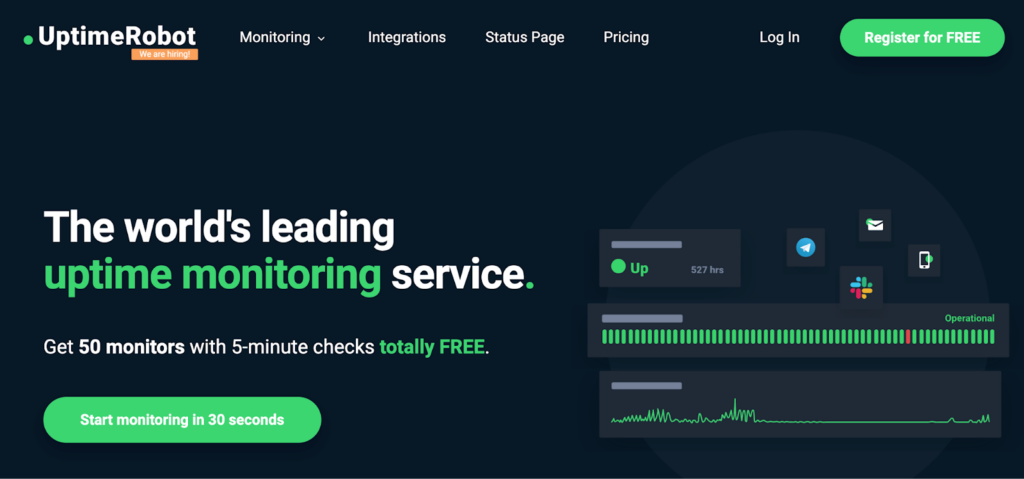
Uptime Robot delivers comprehensive oversight by tracking website and server uptime across global locations with real-time, multi-channel alerts on availability, speed and SSL expirations along with detailed historical reporting forperformance analysis.
Internet Vista
Internet Vista seamlessly displays key website performance metrics right in the WordPress dashboard to prevent outages and demonstrate the quality of web solutions, providing 24/7 monitoring via 1-minute checks of uptime, content, and complex scenarios, with mobile-friendly alerts.
MelaPress
MelaPress logs every WordPress activity in real-time across security, performance, users, and content, offering the most comprehensive insights among plugins as validated by high ratings from administrators.
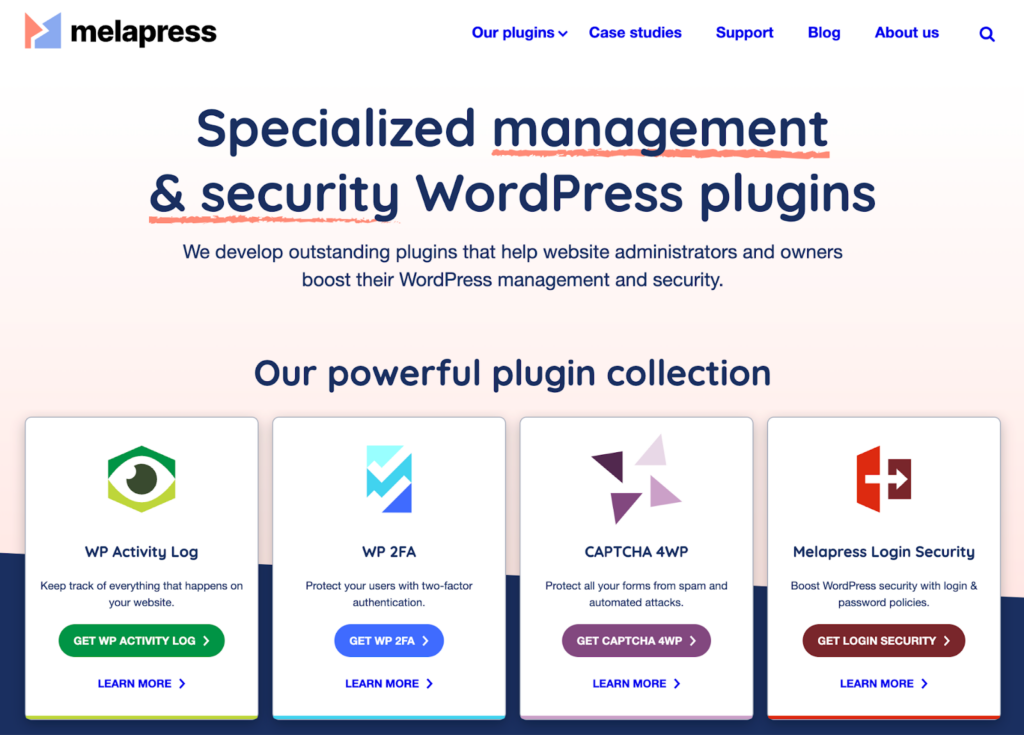
Its meticulous tracking makes identifying and troubleshooting issues quick by pinpointing technical and user changes across the site.
Attentive monitoring of WordPress installs through automated tools provides indispensable safeguards and optimization insights.
It ensures robust stability, security, and compliance, so sites can focus on seamlessly supporting business goals rather than on perpetual troubleshooting.
Free vs Paid WordPress Monitoring Tools: Comparison Table (2026)
Choosing between free and paid tools depends on how critical your site is to your business. Free tools offer basic uptime checks, while paid solutions provide deeper insights, faster alerts, and advanced security monitoring.
| Feature | Free Monitoring Tools | Paid Monitoring Tools |
|---|---|---|
| Uptime Checks | Basic checks every 5 to 15 minutes | Real-time or 1-minute interval monitoring |
| Alerts & Notifications | Limited alerts via email | Multi channel alerts like SMS, Slack, and calls |
| Performance Tracking | Minimal or not included | Advanced metrics like load time and Core Web Vitals |
| Security Monitoring | Basic scans or none | Malware detection, firewall, and vulnerability tracking |
| Backup & Recovery | Rarely included | Automated backups with quick restore options |
| Integrations | Limited integrations | Wide integrations with tools and platforms |
| Support | Community or self help | Priority support with faster resolution |
| Best For | Small blogs or low traffic sites | Real-time or 1 minute interval monitoring |
Popular tools like Uptime Robot offer solid free plans for basic tracking, while premium solutions such as Jetpack or WP Umbrella deliver complete monitoring with security, backups, and performance optimization.
Key takeaway: Free tools work for simple needs, but paid monitoring is essential if downtime, security, and performance directly impact your revenue and user experience.
Conclusion
WordPress monitoring is not optional if you want a reliable, high-performing website. From tracking uptime and performance to detecting security threats, consistent monitoring helps you prevent minor issues from becoming costly problems. The right tools give you visibility, but real value comes from how quickly issues are resolved.
While free tools can handle basic tracking, growing websites and businesses need deeper insights, faster alerts, and expert support. That is where solutions like Seahawk Media stand out by combining monitoring with proactive maintenance and fixes.
By investing in the right monitoring approach, you protect your site’s uptime, improve user experience, and safeguard your SEO and revenue. In a competitive digital space, staying ahead of downtime is not just smart. It is essential for long-term growth.
FAQs About WordPress Monitoring
What is WordPress monitoring, and why is it important?
WordPress monitoring tracks uptime, performance, and security in real time. It helps you detect downtime, slow speed, or threats early. This keeps your site stable, improves user experience, and protects SEO rankings.
How often should I monitor my WordPress website?
You should monitor your site 24/7 using automated tools. Real-time or 1-minute interval checks are ideal for business websites. Frequent monitoring helps you fix issues before visitors notice them.
What are the best tools for WordPress uptime monitoring?
Popular tools include Uptime Robot and Jetpack. These tools track downtime, send alerts, and provide performance insights. Choose based on your site size and monitoring needs.
Can WordPress monitoring improve website performance?
Yes. Monitoring tools track load time, server response, and errors. These insights help you optimize speed and fix bottlenecks. Better performance leads to higher engagement and conversions.
Do I need professional WordPress monitoring services?
If your site generates traffic or revenue, professional monitoring is worth it. Services like Seahawk Media combine monitoring with maintenance, security, and fast issue resolution, ensuring your site stays online and optimized at all times.



