
Dental clinics need a mobile-first website to book more appointments, as most patients now search for dentists on smartphones rather than desktops. A slow or outdated mobile experience can reduce trust, increase bounce rates, and lower local SEO visibility before patients even contact the clinic.
Mobile-friendly websites help patients book appointments faster, navigate services easily, and contact clinics without frustration. This guide explains how mobile-first dental websites improve the patient experience, local search visibility, and appointment conversion rates in 2026.
A mobile-first website is designed primarily for smartphones and tablets before desktop devices. For dental clinics, this means faster page speed, responsive design, touch-friendly navigation, click-to-call buttons, mobile appointment booking, and a smoother patient experience across smaller screens.
How Patients Search for Dental Clinics in 2026?
Most patients now search for dental clinics on mobile devices through local search, Google Maps, voice search, and AI-driven search results. Over half of all global web traffic occurs on mobile devices, making intuitive navigation and optimal user experience essential for retaining visitors.
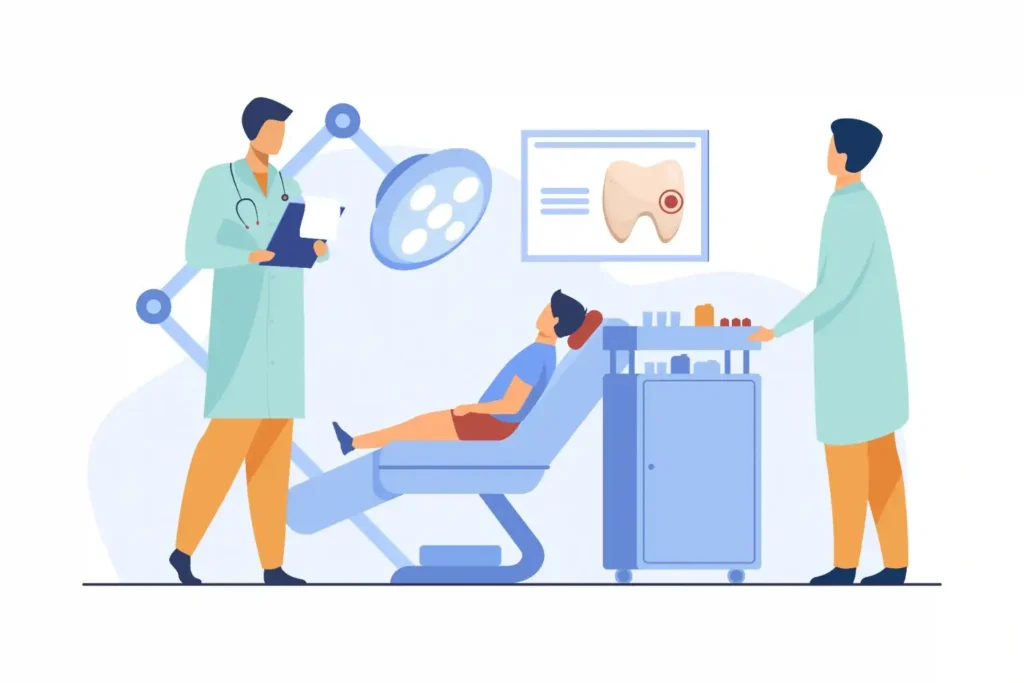
User behavior on mobile platforms is shaped by the need for fast, intuitive navigation across different devices, so websites must be designed with mobile use in mind to ensure seamless access to contact or appointment information.
Patients also compare reviews, photos, clinic websites, services, and ratings before making a decision. A slow or poorly optimized mobile website on any mobile platform quickly frustrates users and often causes them to leave before reading important information or booking an appointment.
How a Poor Mobile Website Hurts Dental Appointment Bookings?
Most dental clinics do not lose patients because of their services. They lose them because of their website. A poor mobile experience sends potential patients straight to a competitor before they ever read your name. Here is where the damage happens.
- Slow Page Loading: Patients decide within seconds whether to stay or leave. If your page takes too long to load, they move to the next clinic on the list before yours even appears.
- Difficult Navigation: If a patient cannot find your services, location, or booking page within a few taps, they will not keep looking. They simply leave.
- Broken Forms: A contact or booking form that does not work properly on mobile is a direct loss of appointment every single time it fails. Most patients do not try again.
- Poor Mobile UX: A frustrating mobile experience can make a patient feel the clinic is behind the times. That feeling damages trust before they have read a single word about your services.
- Weak Local SEO Performance: Poor mobile usability hurts your rankings in local search results and in Google Maps. Patients looking for a dentist nearby may never see your clinic at all.
- Complicated Contact Options: If calling or booking takes more than one tap, most mobile users give up. Every extra step between a patient and an appointment costs you a booking.
What Your Dental Website Needs on Mobile to Get More Appointments?
A mobile-first dental website only works if it has the right features in the right places. The clinics that get the most appointments from their website make it effortless for patients to find information, build trust, and book in as few taps as possible. Here is what your mobile site needs to do that.
- Click-to-Call Button: Visible and tappable on every page so patients can call instantly without hunting for a number. This single feature alone prevents appointments from being lost.
- Fast-Loading Service Pages: Your pages must load in under 2 seconds on mobile. Any slower and patients bounce to a competitor before they see what you offer.
- Mobile-Friendly Appointment Forms: Short, simple, and easy to complete on a small screen without zooming or excessive scrolling. Long or complicated forms on mobile stop bookings before they start.
- Google Maps Integration: An embedded map with directions so patients can find your clinic without leaving your site. Removing that extra step keeps them on your page and moving toward a booking.
- Tap-Friendly Buttons and Layouts: Large, clearly spaced buttons that work on any screen size without accidental clicks. Small or cramped buttons frustrate patients and interrupt the booking journey.
- Online Booking Available 24/7: Most patients search for a dentist outside office hours. If your site cannot take a booking at 9 pm or during a lunch break, you are losing those patients to clinics that can.
- Patient Reviews Visible on Mobile: Trust signals need to appear high on your mobile pages, not buried at the bottom. Patients who see real reviews early are far more likely to book.
How Mobile-First Design Improves Dental SEO?
A mobile-first dental website does more than improve patient experience. It directly affects your clinic’s ranking in local search results.
Google evaluates your mobile site first. It measures your page performance. Then it uses both signals to decide where your clinic appears when patients search for a dentist nearby.
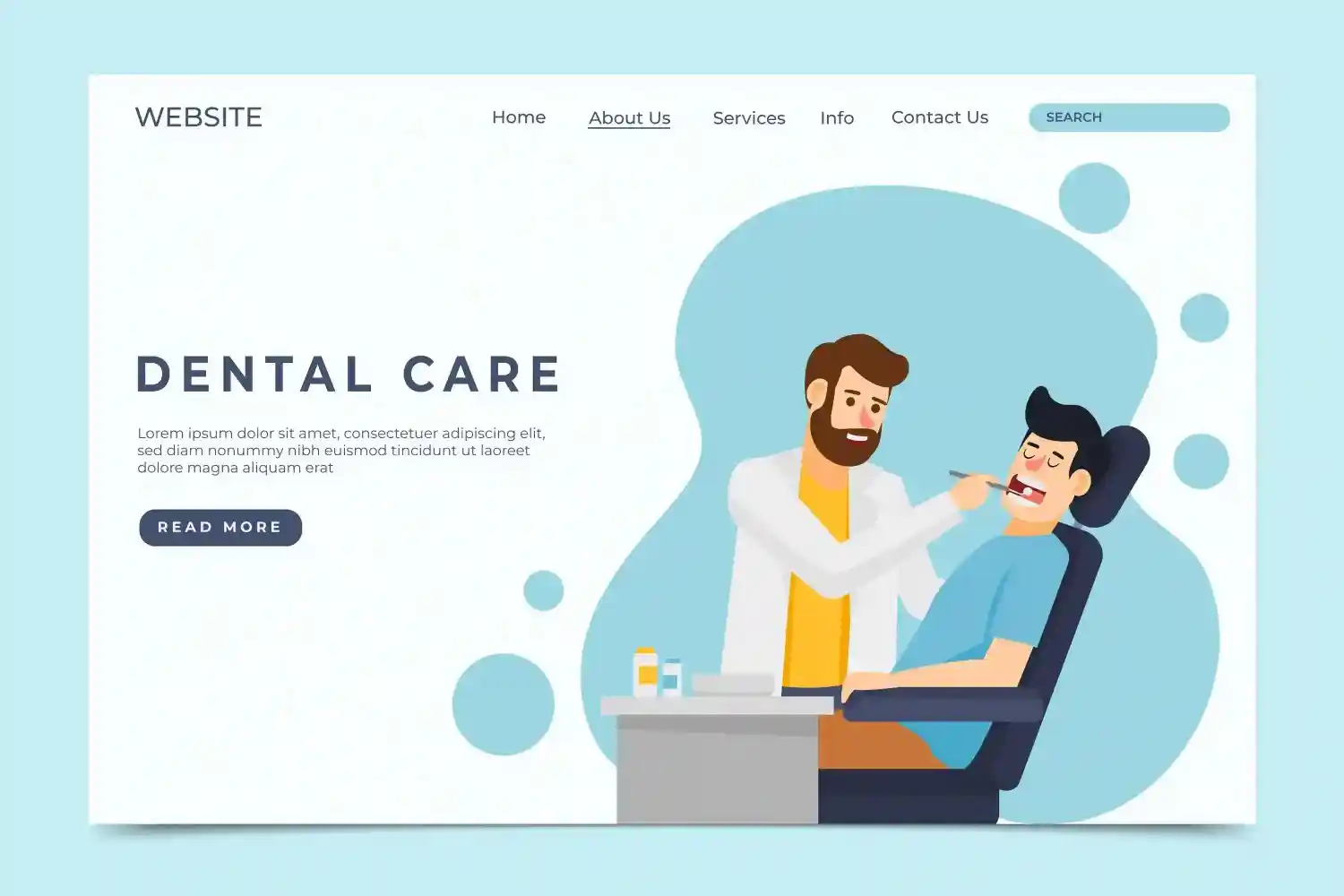
How Google Mobile-First Indexing Affects Dental Clinic Rankings?
Google uses the mobile version of your site as the primary basis for indexing and ranking. However, your desktop site and desktop layout should complement the mobile experience to ensure consistency and a seamless user journey across all devices.
If your mobile site is slow or hard to navigate, your rankings suffer. It does not matter how good your desktop version looks.
For dental clinics, this is critical. When a patient searches for a dentist nearby, Google prioritizes the mobile experience. A fast, well-structured mobile site consistently outranks one built for desktops and later adapted for mobile.
Why Slow Mobile Sites Lose Local Search Visibility?
Page speed is a direct ranking signal. A slow mobile site signals to Google that the experience is poor. As a result, Google ranks it lower.
Slow load times also push patients to leave immediately. That raises your bounce rate. A high bounce rate signals to Google that your page is not worth showing to more patients.
Your Google Business Profile is affected, too. Patients who click through to a slow site leave quickly. Over time, that weakens both your organic rankings and your map pack visibility.
How Core Web Vitals Affect Dental Website Rankings?
Core Web Vitals are three performance metrics Google uses as direct ranking signals.
LCP measures how fast your largest content element loads. INP measures how quickly your site responds when a patient taps or types. CLS measures how stable your layout is during load time.
Failing any of these on mobile directly hurts your rankings. For dental websites, the most common failures come from large uncompressed images, slow booking widgets, and layout elements that shift while the page loads. Fixing these three areas alone can move your site from failing to passing and produce a real lift in local search rankings.
Need a Better Website for Your Dental Clinic?
Improve patient experience, increase appointment bookings, and create a faster mobile-friendly website designed for modern dental practices.
Why Patients Leave Your Dental Website Without Booking?
Patients searching for a dentist on their phone are usually in a hurry. They have low tolerance for slow, confusing, or hard-to-use websites. If your site creates any friction at all, they move to the next result. Here is where most dental websites lose them.
- Long Loading Times: Patients decide within three seconds whether to stay or leave. A slow site loses them before they ever see your services or your location. Slower networks, especially on mobile technology, make performance optimization critical. Minimal content and efficient design help users with limited bandwidth and slower data speeds.
- Poor Readability on Small Screens: Tiny text, cramped layouts, and hard-to-read fonts frustrate patients immediately. If they have to zoom in to read anything, most will not bother. Compressing images and videos with modern image formats is essential to minimize load times, as mobile users often rely on cellular networks with limited bandwidth.
- Difficult Booking Systems: Extra steps, broken fields, or slow forms cost you the appointment. Most patients do not try again if the booking process feels complicated.
- Confusing Navigation: Patients who cannot find your services, address, or contact page in seconds do not stay to look harder. They simply leave and book with someone else.
- No Instant Access to Key Information: Mobile users expect your phone number, address, and core services to be visible without scrolling. If they have to hunt for basic information, you have already lost their attention.
Testing your mobile-first website on actual mobile devices is crucial, and tools like Google Chrome DevTools can help simulate various screen sizes and connection speeds to ensure optimal performance.
How Mobile UX Turns Website Visitors Into Booked Appointments?
Every unnecessary step between a patient landing on your site and booking an appointment costs you conversions. A well-designed mobile experience removes that friction entirely. Patients find what they need fast, trust what they see, and book without hesitation.
Simple booking flows, visible trust signals, and fast load times all work together to move patients from interest to action. Reviews, team photos, and accreditations visible on mobile pages reassure patients before they ever contact you. When your mobile experience feels easy and professional, patients are far more likely to follow through and book.
Mobile SEO Factors Your Dental Clinic Cannot Afford to Ignore
Getting found on mobile search and converting that traffic into appointments requires more than a responsive layout. These are the specific factors that determine how well your dental website performs in local search and how many patients actually book.
- Page Speed Under Two Seconds: Every second your mobile site takes to load costs you patients. Compress images to WebP, clean up unnecessary scripts, and configure caching. Test your speed regularly using Google PageSpeed Insights and fix any issues before they affect rankings.
- Mobile-First Over Responsive Design: Responsive design adjusts your layout to fit any screen. Mobile-first means your site was built for mobile from the ground up. A mobile-first build loads only what mobile users need, which means faster load times, cleaner layouts, and better rankings.
- Tap-to-Call and Contact Always Visible: Your phone number must be tappable on every page, without exception. A sticky header with a tap-to-call button and a book now option keeps your most important conversion actions visible as patients scroll.
- Local SEO and Google Maps Optimization: Most dental patients search with local intent. A fully optimized Google Business Profile, consistent NAP data across all directories, and local business schema markup on your homepage all directly affect your map pack visibility.
- 24/7 Online Appointment Booking: Patients search for dentists in the evening and on weekends when your phones are closed. A mobile-friendly booking plugin with a short, simple form and automatic confirmation removes every barrier between a patient and a booked appointment.
Mobile SEO vs Desktop SEO for Dental Clinics: What is the Difference?
Mobile SEO and desktop SEO are not the same strategy. The way patients search, behave, and make decisions on mobile is fundamentally different from desktop. Understanding these differences helps you prioritize the right optimizations for the device most of your patients actually use.
| Desktop SEO | Mobile SEO | |
|---|---|---|
| Indexing Priority | Secondary | Primary |
| User Behaviour | Browse and compare | Search and book fast |
| CTA Format | Button or link | Tap-to-call or one-tap book |
| Content Priority | Detailed service pages | Fast answers and booking |
| Speed Requirement | Under 3 seconds | Under 2 seconds |
| Local Search | Google Maps | Google Maps plus voice search |
| Trust Signals | Reviews and accreditations | Reviews visible above fold |
Common Mobile Website Mistakes Dental Clinics Make
Many dental clinics lose potential patients because their mobile websites frustrate visitors before they even contact the clinic. Poor mobile usability, slow performance, and broken booking experiences can directly reduce appointments and weaken local SEO visibility.
- Tiny Text and Unreadable Layouts: Patients who need to zoom in to read content often leave the website immediately.
- Slow-Loading Images: Large, uncompressed images are among the biggest reasons dental websites load slowly on mobile devices.
- Broken Mobile Forms: A booking or contact form that fails on mobile can directly cost appointment requests and patient inquiries.
- Hard-to-Tap Buttons: Small buttons or crowded layouts make navigation difficult and reduce conversions.
- No Click-to-Call Functionality: Phone numbers should always be tappable so patients can contact the clinic instantly from mobile devices.
- Poor Local SEO Optimization: Weak Google Business Profile signals, inconsistent NAP data, and missing schema markup reduce local search visibility.
- No Mobile Booking System: Patients searching after office hours often leave if they cannot book appointments directly on their mobile devices.
Best Practices for Building a Mobile-First Dental Website
A mobile-first dental website should focus on speed, usability, local SEO, and easy appointment booking. Patients expect quick access to clinic information, simple navigation, and a smooth mobile experience before deciding to contact a dental practice.
- Optimize Mobile Page Speed: Aim for mobile load times under two seconds to reduce bounce rates and improve patient experience.
- Use Responsive Website Layouts: Test responsive design across multiple screen sizes and mobile devices regularly.
- Simplify Mobile Navigation: Keep navigation clean with three to five clear menu options for faster browsing.
- Add Sticky Mobile CTAs: Use sticky tap-to-call and appointment booking buttons on every important page.
- Improve Local SEO Signals: Add schema markup for clinic name, address, phone number, and dental services.
- Test Mobile Booking Forms: Regularly test all mobile forms and appointment systems on real devices after updates.
- Compress Images With WebP: Convert large images to WebP format to improve mobile page speed and performance.
- Show Reviews and Team Photos Early: Display patient testimonials and team images above the fold to improve trust quickly.
Conclusion
Most patients searching for a dentist on their phone make a decision within seconds. A slow, hard-to-navigate mobile website gives them no reason to stay and no easy way to book.
Getting this right does not require a complete overhaul. Fast load times, a tappable call button, a simple booking form, and visible patient reviews cover most of what patients actually need. When you get those basics right, your website works for your clinic around the clock.
FAQs
Why do dental clinics need a fast and user-friendly website?
Most patients search for dental services on their phones. A fast, easy-to-use website helps visitors book appointments without frustration.
How does website speed affect dental appointment bookings?
Slow websites increase bounce rates and make potential patients leave before contacting the clinic. Faster websites improve trust and conversions.
What features help dental websites get more appointments?
Online booking forms, click-to-call buttons, location maps, treatment pages, and fast loading speeds help improve patient inquiries and bookings.
Why is mobile usability important for dental clinics?
Most local searches happen on mobile devices. A website that works smoothly on smaller screens improves patient experience and engagement.
Can a better website improve local SEO for dental clinics?
Yes. Faster load times, optimized pages, and a better user experience help dental clinics rank higher in local search results.
When should a dental clinic redesign its website?
Dental clinics should consider redesigning their websites when they look outdated, load slowly, perform poorly on mobile devices, or fail to generate enough patient inquiries.



