
The software-as-a-service (SaaS) industry is booming. More businesses are moving online, and customers prefer subscription-based tools they can access anytime, anywhere. The good news is that creating your own SaaS product is no longer limited to advanced developers. Thanks to modern platforms like Lovable, Supabase, and Stripe, you can build a SaaS faster, even without deep technical skills.
In this guide, we’ll walk you step by step through how these three tools work together. You’ll learn how to design your app, manage your data, and handle secure payments with ease.
Why These Tools Are Perfect for Building a SaaS?
Understanding the tech stack you will be using to build a SaaS is important to getting the most out of it. So, let’s briefly review all three tools that we will be using.
Lovable: Fast and Flexible App Builder
Lovable is a no-code/low-code platform designed to make building apps simple. Instead of writing thousands of lines of code, you drag, drop, and customize. This makes it perfect for non-technical founders who want to bring an idea to life quickly.
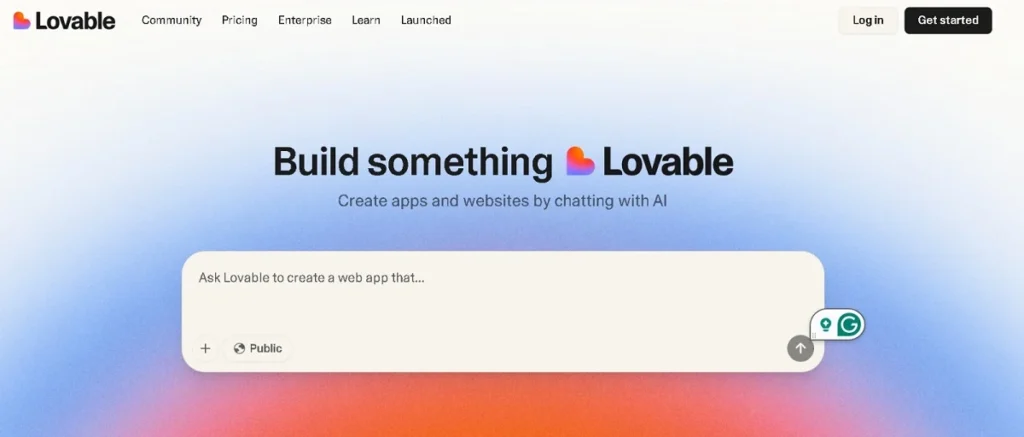
Example: Imagine you want to build a platform where freelancers can log in, track time, and generate invoices. With Lovable, you can design dashboards and forms without hiring a full development team.
Related: Lovable Pricing Plans, Features, and Costs Explained
Supabase: Your Backend Without the Complexity
Behind every SaaS is a database that stores user accounts, content, and activity. Traditionally, setting up a backend means managing servers, coding APIs, and maintaining complex infrastructure. Supabase solves that.
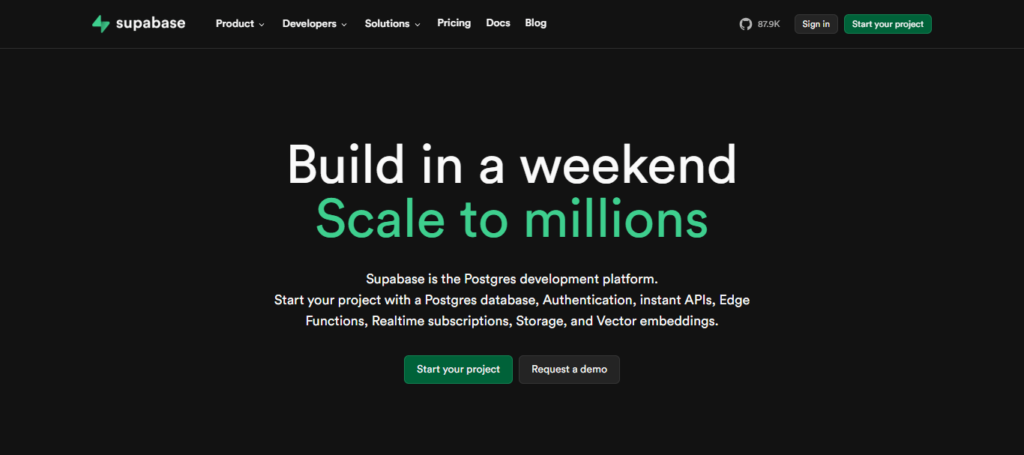
It gives you:
- Authentication (user sign-up, login, and password management).
- A database to store your information securely.
- Ready-to-use APIs so your app can communicate with the backend.
Example: If your SaaS is a learning portal, Supabase can store courses, student progress, and quiz results without you writing backend code from scratch.
Find out: How to Connect Supabase to Lovable
Stripe: Payments Made Easy
A SaaS business depends on recurring revenue. That means you need a way to accept payments, manage subscriptions, and handle invoices. Stripe is built exactly for this.
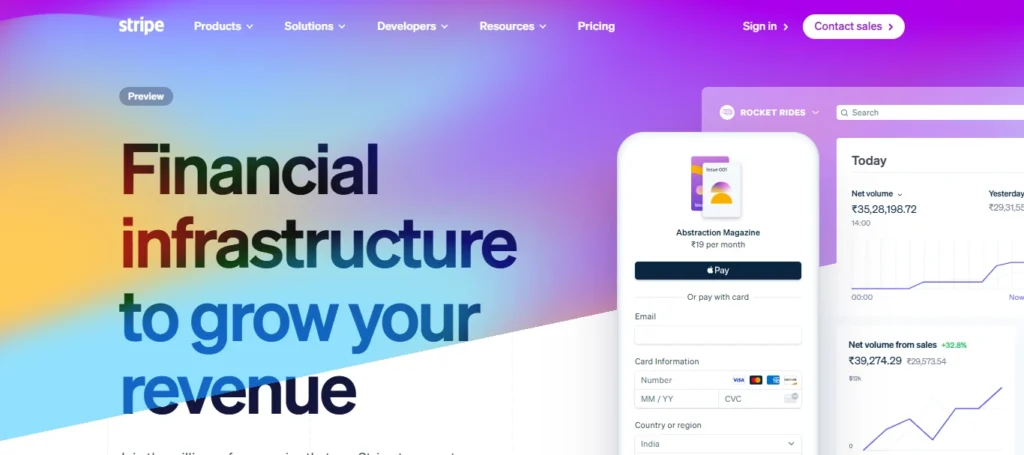
With Stripe you can:
- Create multiple pricing plans
- Offer free trials or discounts
- Automate recurring billing and renewals
- Stay compliant with payment regulations
Example: If you want to charge $29 per month for your tool, Stripe manages everything from checkout to renewals and refunds.
Which One is Best: PayPal vs Stripe
Hiring a Professional vs DIY Solutions to Build a SaaS
When it comes to building and growing your SaaS, you’ll face an important choice:
- Do you want to handle everything yourself with DIY tools?
- Or do you want to hire professionals who specialize in SaaS development and support?
Let’s check out both these approaches.
Hiring a Professional
Hiring experts like Seahawk Media can accelerate your SaaS journey. We provide professional development, design, and ongoing support tailored to SaaS businesses.
Instead of spending months learning the technical details, you can rely on our team to build a high-quality, secure, and scalable product. Our professionals also bring experience with best practices, ensuring fewer mistakes and faster results.
Launch Your SaaS the Right Way
We build, scale, and support SaaS products with proven strategies and reliable execution. Whether you need a sleek MVP or a fully scalable platform, our team has you covered.
DIY Solutions
Going the do-it-yourself route can be appealing, especially if you’re working with a limited budget. Tools like Lovable, Supabase, and Stripe are designed to be user-friendly, so even non-techies can build and launch a functional SaaS.
However, DIY solutions often take more time. You’ll need to handle setup, troubleshooting, and scaling on your own, which can become overwhelming as your SaaS grows.
Ultimately, your decision depends on your goals and resources. If you’re testing a simple MVP and have time to experiment, DIY solutions are a great starting point.
But if you’re aiming for a professional-grade SaaS and want to scale quickly, hiring a partner like Seahawk can give you a strong competitive edge.
Compare: MVP vs MLP Key Differences
Step-by-Step Guide to Building Your SaaS
Now that you know the tools and the pros & cons of hiring a professional and DIY, it’s time to put everything into action. Follow these simple, structured steps to transform your SaaS idea into a working product.
Step 1: Define Your SaaS Idea and MVP
Before you dive into tools, you need clarity. A Minimum Viable Product (MVP) is the simplest version of your SaaS that solves one clear problem.
Ask yourself:
- What problem am I solving?
- Who is my ideal customer?
- What is the one feature people will pay for?
Scenario: Let’s say you want to build a fitness coaching app. The MVP might just allow coaches to upload workout plans and clients to view them. Later, you can add chat features, progress tracking, and video hosting.
By keeping it simple at first, you save time, money, and effort.
Step 2: Set Up Your SaaS with Lovable
Before your SaaS can come to life, you need a strong foundation. Lovable makes it easy to design your app’s look, structure, and flow without writing code. Let’s break it down.
- First, sign up on Lovable and create a new project.
- Next, choose a template that matches your idea. Templates save time because you don’t have to begin from scratch.
- Then, think about how users will navigate your SaaS. With Lovable, you can quickly add login and signup screens, dashboards for data, and forms for user input. Keep the layout clean and simple so users enjoy a smooth experience.
- Finally, connect Lovable with Supabase to manage your data in the background. This integration handles the backend for you.
For example, new signups are saved in Supabase, logins are verified, and profile updates are stored automatically.
Step 3: Configure Supabase for Your SaaS
Once your frontend is ready, the next step is setting up the backend. Supabase simplifies this by offering authentication, a flexible database, and easy access control all without complex coding.
- To begin, Supabase provides ready-made authentication options. Users can sign up with email, Google, or GitHub. This step is vital because it keeps your SaaS secure and ensures only the right people gain access.
- Next, plan your database around your SaaS needs.
For example, a subscription tool may require tables for users, subscription details, and activity logs. This structure keeps everything organized and easy to manage.
- Lastly, you can assign roles and permissions.
For instance, in a productivity app, admins might invite team members, while regular users can only manage their own tasks.
Supabase makes these settings simple to apply.
Step 4: Add Stripe for Payments and Subscriptions
After building your app and database, the next step is enabling payments. Stripe makes it simple to accept subscriptions, manage billing, and keep your revenue flow consistent. Follow these steps:
- Sign up on Stripe and complete your business details. This setup allows you to accept credit cards and multiple payment methods from customers worldwide.
- Next, design your pricing strategy. Will you provide monthly and yearly subscriptions, a free trial, or tiered plans like basic and premium? With Stripe, all these options can be created easily.
- Then, connect your app in Lovable to Stripe. Add checkout buttons that guide users to Stripe’s secure payment page. Once payment is processed, Stripe updates your database so the user immediately gains access.
- Finally, use Stripe webhooks to automate subscription management.
For example, if a payment succeeds, the subscription activates. If a card fails, users are notified. If a plan is canceled, access is downgraded. This ensures smooth billing without manual work.
Read: How to Create a Multistep Payment Form in WordPress Using Forminator
Step 5: Test and Deploy Your SaaS
Before launching your SaaS to real users, it’s essential to test the full flow and then deploy it on a reliable hosting platform. This step ensures your app runs smoothly from day one.
Start by walking through the entire user journey yourself. Create a test account, subscribe to a plan, log in, and use the app. Then, cancel or switch plans to see how the system responds. This process helps you identify issues before going live.
Once testing is complete, it’s time to launch. Lovable provides built-in hosting options, making deployment quick and straightforward.
For beginners, sticking with Lovable’s hosting is the easiest choice, though advanced users may explore other platforms like WP Engine, Pressable, and InMotion Hosting.
Tips to Optimize Your SaaS for Growth
Once your SaaS is deployed, the real journey begins, which is growing your user base and keeping them engaged. Success isn’t just about building; it’s about optimizing for long-term growth and retention.
Here are key strategies to focus on.
- Onboarding Users: Make onboarding simple and engaging. A smooth start encourages users to stay. Add tutorials, tooltips, or even demo content to guide new users through the app. For example, showing them how to complete their first task or set up a profile immediately creates value.
- Analytics: Use analytics tools like Google Analytics or Supabase’s built-in options. These insights show which features attract attention, where users drop off, and how long they remain active. With this data, you can refine your product and improve user experience continuously.
- Customer Support: Even a small SaaS benefits from having FAQs, a basic chatbot, or a support email. Offering help early builds trust and shows users you care. In turn, this reduces churn and increases loyalty.
- Marketing Your SaaS: Market your product to reach a wider audience. Use SEO to target keywords relevant to your niche. Launch referral programs to encourage existing users to bring in new ones. Collect feedback and act on it. This shows users that their input matters, strengthening your brand’s reputation and driving growth.
By optimizing in these areas, your SaaS not only grows faster but also builds a loyal, satisfied customer base.
Common Challenges of Building a SaaS and How to Overcome Them
Even with the best tools, running a SaaS business comes with challenges. The good news is that most issues are predictable, and with the right approach, you can manage them effectively. Let’s look at the most common ones.
Payment Failures
Expect payment failures. Cards may expire, be declined, or fail due to insufficient funds. Left unchecked, this can lead to revenue loss. Thankfully, Stripe offers built-in solutions.
It automatically retries failed payments, sends reminders to customers, and helps you recover lost revenue. By setting up automated notifications, you can encourage users to update their billing details without extra manual work.
Scaling the Database
As your SaaS gains users, your database will need to handle more requests. Performance issues can appear if scaling isn’t managed. Supabase is designed to grow with you.
You can begin with a free or small plan and upgrade gradually as your traffic and storage needs increase. Planning ahead and monitoring usage ensures your app stays fast and reliable.
Churn Management
Every SaaS faces churn when customers stop using the product. While it’s normal, reducing churn is crucial for growth. Strategies include:
- Offering discounts on annual plans to lock in customers.
- Sending timely reminders before renewals.
- Providing top-notch customer support.
By addressing user concerns quickly and delivering consistent value, you can keep churn rates lower and customer satisfaction higher.
By anticipating these challenges, you’ll be better prepared to maintain stability and keep your SaaS on a steady path toward growth.
Conclusion
Building a SaaS used to be complicated and expensive. But with tools like Lovable, Supabase, and Stripe, you can turn an idea into a functioning business quickly.
Lovable lets you design the front-end without coding. Supabase manages your backend and database. Stripe ensures smooth and secure payment handling. Together, they remove technical barriers and let you focus on solving real customer problems.
If you’ve been sitting on a SaaS idea, now is the perfect time to bring it to life. Start small, test your MVP, and scale as you grow. With the right tools and mindset, your SaaS journey can begin today.
FAQs About Building a SaaS with Lovable, Supabase, and Stripe
Do I need coding skills to build a SaaS with these tools?
No, you don’t need advanced coding skills. Lovable is no-code, and Supabase and Stripe provide simple integrations.
What type of SaaS can I build using this tech stack?
You can build subscription-based apps like learning platforms, fitness apps, project management tools, or membership sites.
How secure is Supabase for storing user data?
Supabase uses industry-standard security practices and offers authentication and role-based access to protect user information.
Can I accept international payments with Stripe?
Yes, Stripe supports multiple currencies and payment methods, making it easy to accept payments globally.
How much does it cost to start building a SaaS with these tools?
Lovable and Supabase have free tiers, and Stripe only charges transaction fees. Thus, you can start with a small upfront cost.
How do I handle subscription cancellations or failed payments?
Stripe manages cancellations and retries failed payments automatically, and you can set up notifications for customers.
Can I scale my SaaS as more users join?
Yes, Supabase scales with your traffic, and Stripe can handle thousands of subscriptions. You can start small and upgrade as needed.



